10 free searches · no credit card
Scammer photo search
check every picture at once
Upload the photos from a dating or social media profile and see where else they appear online. Spot a catfish before you share anything.
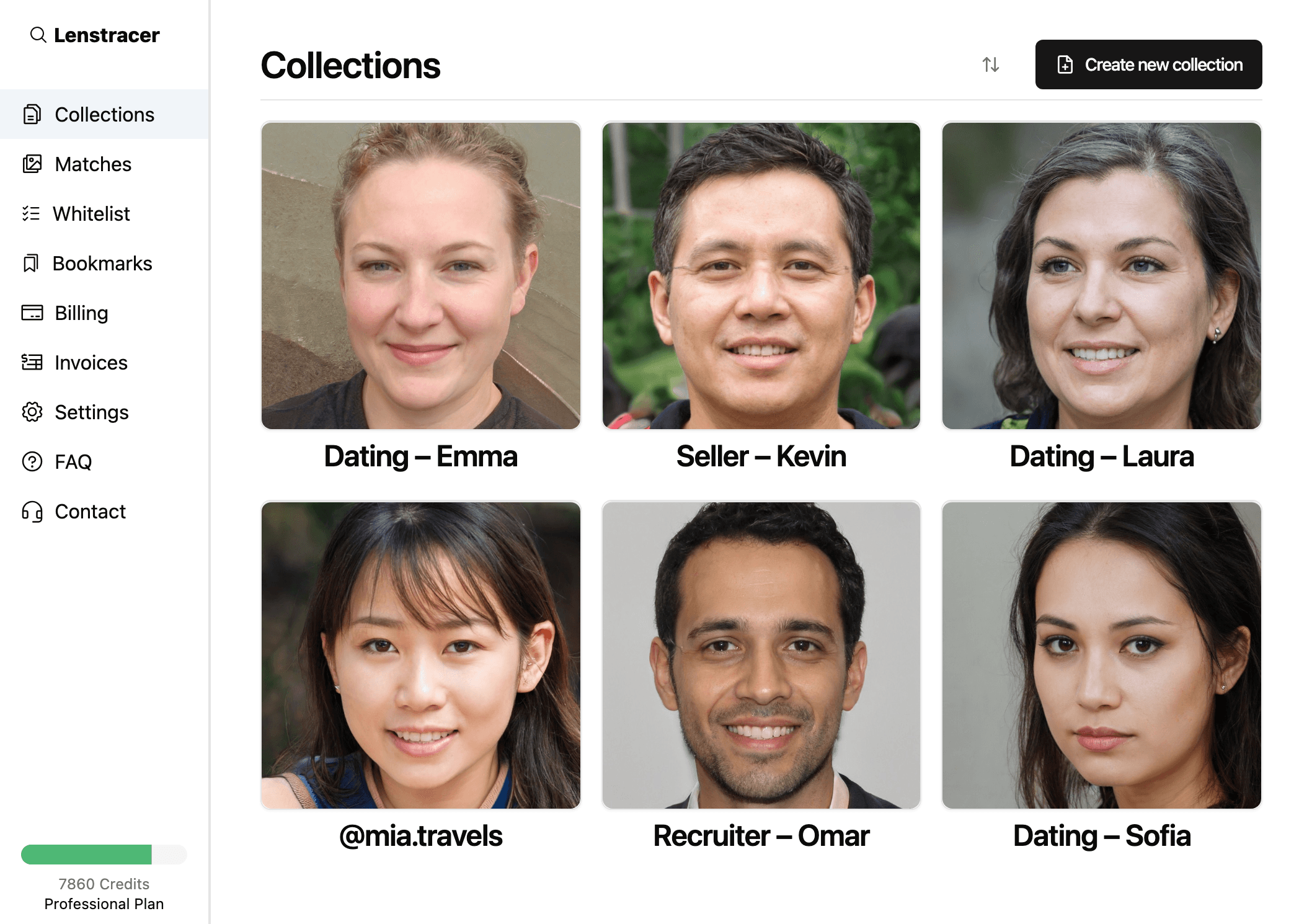
AI-generated faces
What a photo search can reveal
Photos under another name
The same pictures on a different person's social media, often a real person whose photos were taken.
Stock and model photos
Pictures that come from stock photo sites, modelling portfolios or influencer accounts.
Known scam profiles
Photos already posted on scam warning sites and forums by other people who were targeted.
Several dating profiles
The same face on profiles with different names, ages or locations.
Photos sent in chat
Check the pictures someone sends you in messages, not just their profile photos.
Fake sellers
Marketplace and rental listings using photos copied from somewhere else.
How it works
Check a profile in three steps
- 1
Save the profile's photos
Screenshot or download every photo from the profile and any they've sent you.
- 2
Upload them all at once
Lenstracer runs a reverse image search on each photo, so you don't have to check them one by one.
- 3
See where each photo appears
Matches are grouped by photo with a link to every page, so you can see whose photos they really are.
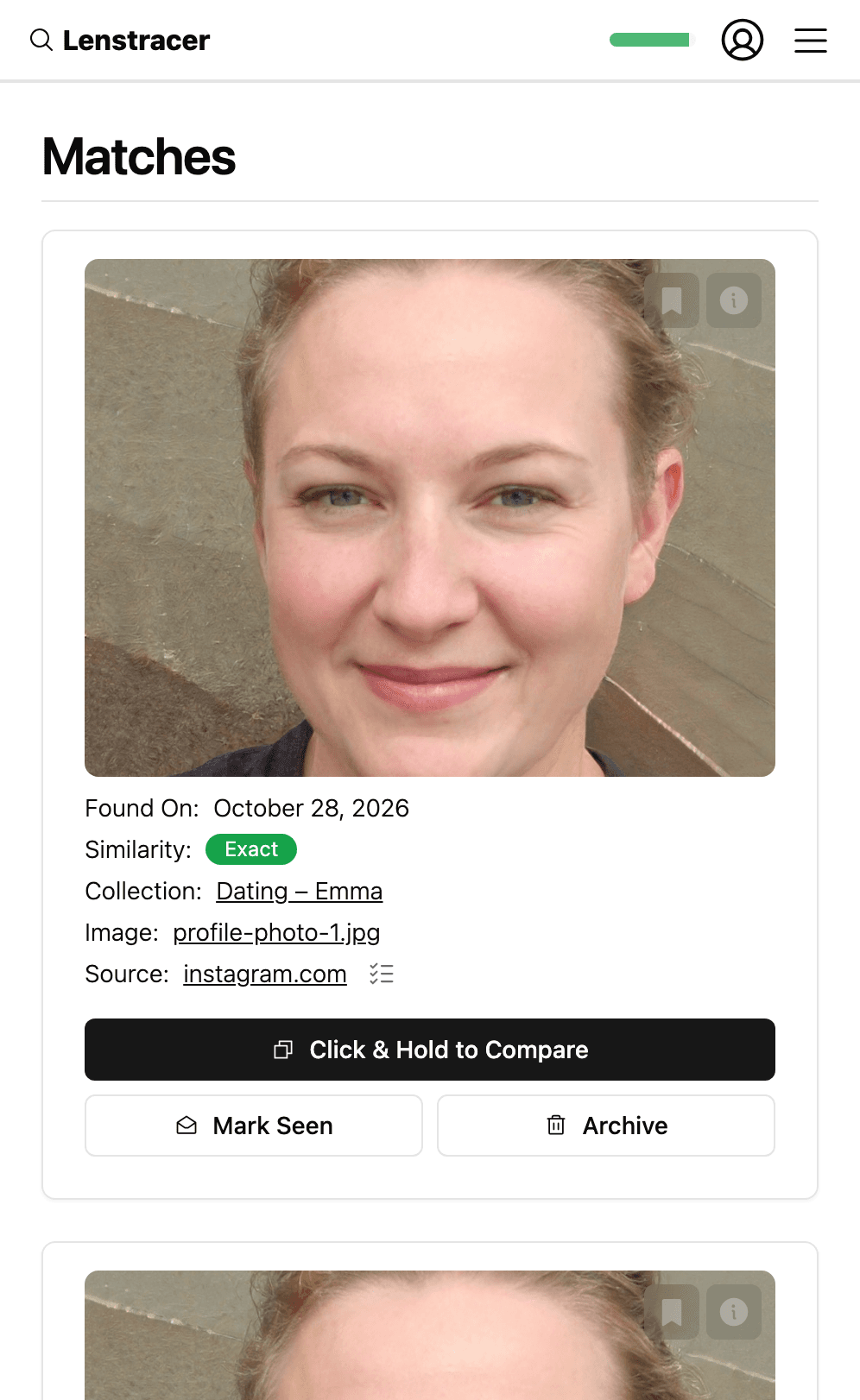
AI-generated face
No matches isn't proof
New photos and private accounts don't show up in any search. Keep an eye out for these signs too.
Read the full guide- Won't video call
- Rushes you off the app
- Says “I love you” early
- Asks for money or crypto
Pricing
Start free. Pay only for the photos you search.
Each photo you search uses one credit. Every plan includes every feature.
Not sure yet? Start with 10 free credits →
- No credit card required
- Search the web
- Upgrade any time